Cut  any moment from a YouTube video
 in HD
Paste a link, set the start and end, and download only that part as an MP4. Crop it for Shorts, Reels or TikTok on the way.
From link to clip in under a minute
Nothing to install and no account. Only the part you choose is downloaded, so even clips from long videos are quick.
Paste the link
Copy the address of any YouTube video or Short, paste it in the bar above and press Get video.
Used YouTube’s Copy video URL at current time? The clip starts at that moment.
Pick the moment
Drag the orange handles under the player to the start and end of the moment, or type the times.
Press Preview to watch exactly what you will get.
Crop and download
Leave the full picture, or pick 9:16, 4:5 or 1:1 and drag the frame over the part you want to keep.
Choose the quality, press Create clip, and the MP4 downloads by itself.
One moment, every shape
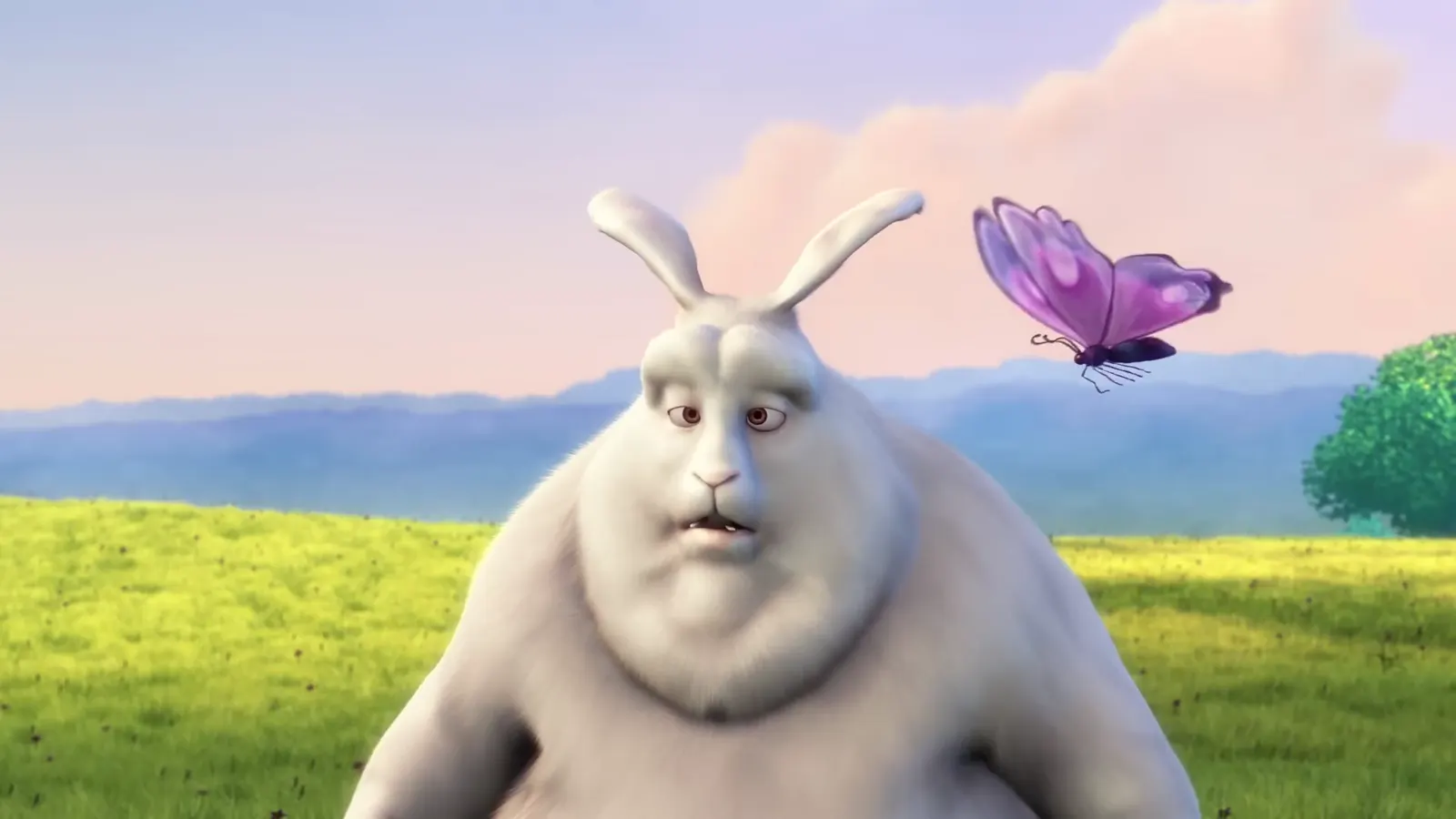
Choose a preset and drag the frame over what matters. These are all the same shot.
The details
What you get, plainly.
- Quality
- Whatever the video has, from 144p up to 2160p (4K). 1080p is picked by default.
- File
- MP4 with H.264 video and AAC audio, so it plays on any phone, laptop or editor. Audio-only as M4A, or a GIF of up to 15 seconds.
- Crop
- 9:16, 4:5, 1:1, 16:9 or any shape you draw. Or keep the whole picture on a blurred 9:16 background.
- Precision
- Times to a tenth of a second. Turn on frame-accurate cutting for an exact first frame.
- Length
- Up to 5 minutes per clip.
- Privacy
- No account. Clips are deleted from the server one hour after they are made.
- Price
- Free. No watermark. The site is paid for by ads.
Questions
Something else? Ask us.
Is YT Clip Cutter free?
Yes. YT Clip Cutter is free and supported by ads. There is no sign-up and no watermark on your clips.
How do I cut a part of a YouTube video?
Paste the video link at the top of this page and press Get video. Set the start and end time (play the video and press Use current time), then press Create clip. Only that part is downloaded as an MP4.
What quality can I download?
Any quality the video is available in, up to 4K. 1080p is picked by default as the best balance of quality and file size.
How long can a clip be?
Up to 5 minutes per clip. To keep the service free and fast for everyone there is also a limit on clips per hour.
How do I make a vertical clip for Shorts, Reels or TikTok?
Choose 9:16 under Crop and drag the frame over the part of the picture you want to keep. For the sharpest result pick 1440p or 4K if available. See the vertical clip guide.
Can I make a GIF?
Yes. Choose GIF under Quality. GIFs have no sound and can be up to 15 seconds. See YouTube to GIF.
Why does my clip start a moment early?
Normal cuts start at the nearest keyframe, which can be up to a second or two before your start time. Tick Frame-accurate cut for an exact start.
Can I clip any video?
Only clip videos you own or have permission to use. Private, members-only and live videos cannot be clipped.
Do you keep my videos?
No. Clips are kept only so you can download them and are deleted automatically after one hour. We do not keep a history of what you clip.
Got a moment worth keeping?
Paste the link at the top and have the clip in under a minute.